
How to Update Pensioner Details After Retirement
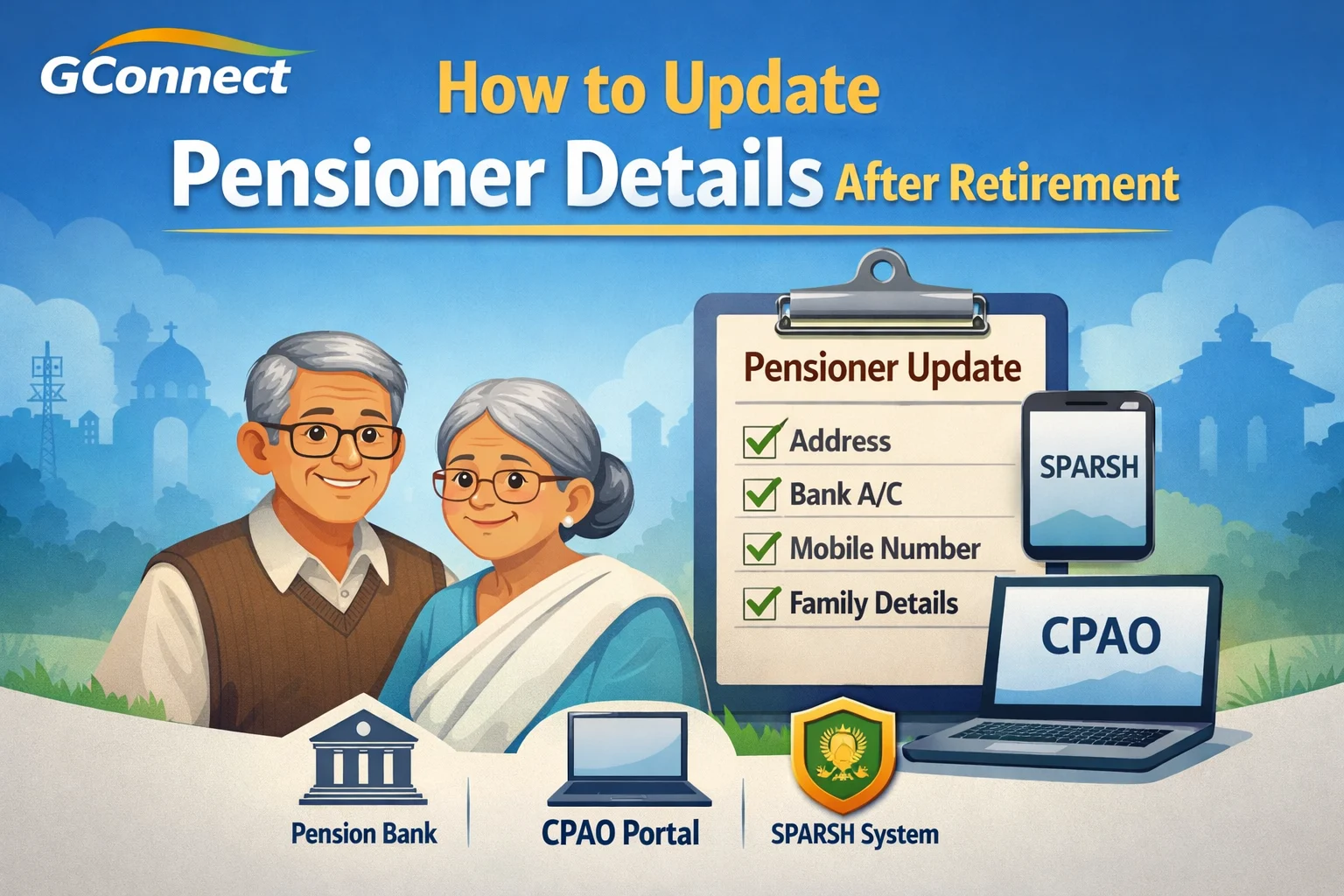
After retirement, a pensioner’s details such as address, bank account, mobile number, email ID, or family particulars may need to be updated from time to time. Keeping these records updated is important to ensure smooth pension disbursement, timely life certificate submission, and uninterrupted medical benefits like CGHS.
This article explains where and how pensioners can update their details after retirement, both online and offline, depending on the type of pension.
Why Updating Pensioner Details Is Important
Updating your pension records helps to:
- Avoid delay or stoppage of monthly pension
- Ensure correct bank credit of pension
- Receive OTPs and alerts for Digital Life Certificate
- Update family details for family pension
- Keep CGHS and other retirement benefits active
Even a small mismatch (like a wrong mobile number) can cause unnecessary trouble later.
Common Pensioner Details That Can Be Updated
Pensioners can usually update the following details:
- Residential address
- Mobile number
- Email ID
- Bank branch or bank account (pension account)
- Aadhaar details
- Family details (spouse, dependents)
- Nominee details
Who Handles Pensioner Detail Updates?
Your pension records are generally maintained by one or more of the following:
- Pension Disbursing Bank (PDA)
- CPAO / Pension Sanctioning Authority (for Central Govt pensioners)
- SPARSH Pension System (Defence pensioners)
The procedure depends on which system your pension is covered under.
Method 1: Updating Details Through the Pension Disbursing Bank
This is the most common and simplest method.
Steps to Follow
- Visit your pension-paying bank branch
- Ask for the Pensioner Details Change / Modification Form
- Fill in the required changes clearly
- Attach self-attested copies of supporting documents (Aadhaar, passbook, etc.)
- Submit the form to the bank
What the Bank Does Next
- Verifies the request
- Updates records in their system
- Forwards changes to CPAO/SPF system if required
📌 Tip: Always keep an acknowledgement or stamped copy of your request.
Method 2: Updating Details Online via CPAO (For Central Government Pensioners)
Some basic details can be updated online using the CPAO portal.
Steps
- Visit the CPAO website
- Go to the Pensioner Corner
- Use your PPO number and bank details to log in
- Update permissible fields such as:
- Address
- Mobile number
- Email ID
- Submit the request
Changes are verified and reflected after approval.
Method 3: Updating Details Through SPARSH (Defence Pensioners)
Defence pensioners under SPARSH can update many details online.
Steps
- Visit the SPARSH pension portal
- Log in using your credentials
- Go to Profile / Service Request
- Select the detail you want to update
- Upload documents if required
- Submit the request
Status can be tracked online.
Updating Bank Account or Pension Bank After Retirement
Changing the pension bank or account requires a separate formal request.
General Process
- Submit a bank change request through your current pension-paying bank
- New bank must be a pension-authorised bank
- PPO details are transferred to the new bank
This process may take a few weeks, so plan accordingly.
Updating Family or Nominee Details
Family details usually need updating when:
- Spouse details were missing earlier
- Dependent details change
- Nominee needs correction
This generally requires:
- Written application
- Supporting documents (marriage certificate, Aadhaar, etc.)
- Verification by bank / pension authority
Important Documents You May Need
Keep these ready when requesting changes:
- PPO copy
- Aadhaar card
- Pension bank passbook
- Address proof
- Marriage certificate (if applicable)
- Death certificate (in family pension cases)
How Long Does It Take for Changes to Reflect?
- Bank-level changes: 7–15 working days
- Authority-level changes: 2–4 weeks (sometimes longer)
Timelines may vary depending on verification and system updates.
Key Points Pensioners Should Remember
- Always inform the pension bank first
- Keep copies of all submissions
- Update mobile number early for Digital Life Certificate
- Do not wait for issues—update details proactively
- Follow up if changes are not reflected within reasonable time
Final Words
Updating pensioner details after retirement is not complicated, but it is essential. Whether it is a change in address, bank account, or family details, timely updates ensure uninterrupted pension and retirement benefits.
For most pensioners, the pension disbursing bank remains the first and most reliable point of contact.
📢 Stay Updated with GConnect
Join our Whatsapp channels for the latest news and job updates:
Join GConnect News Join GConnect Jobs
GConnect News

GConnect Jobs