
How to Exit NPS on Retirement
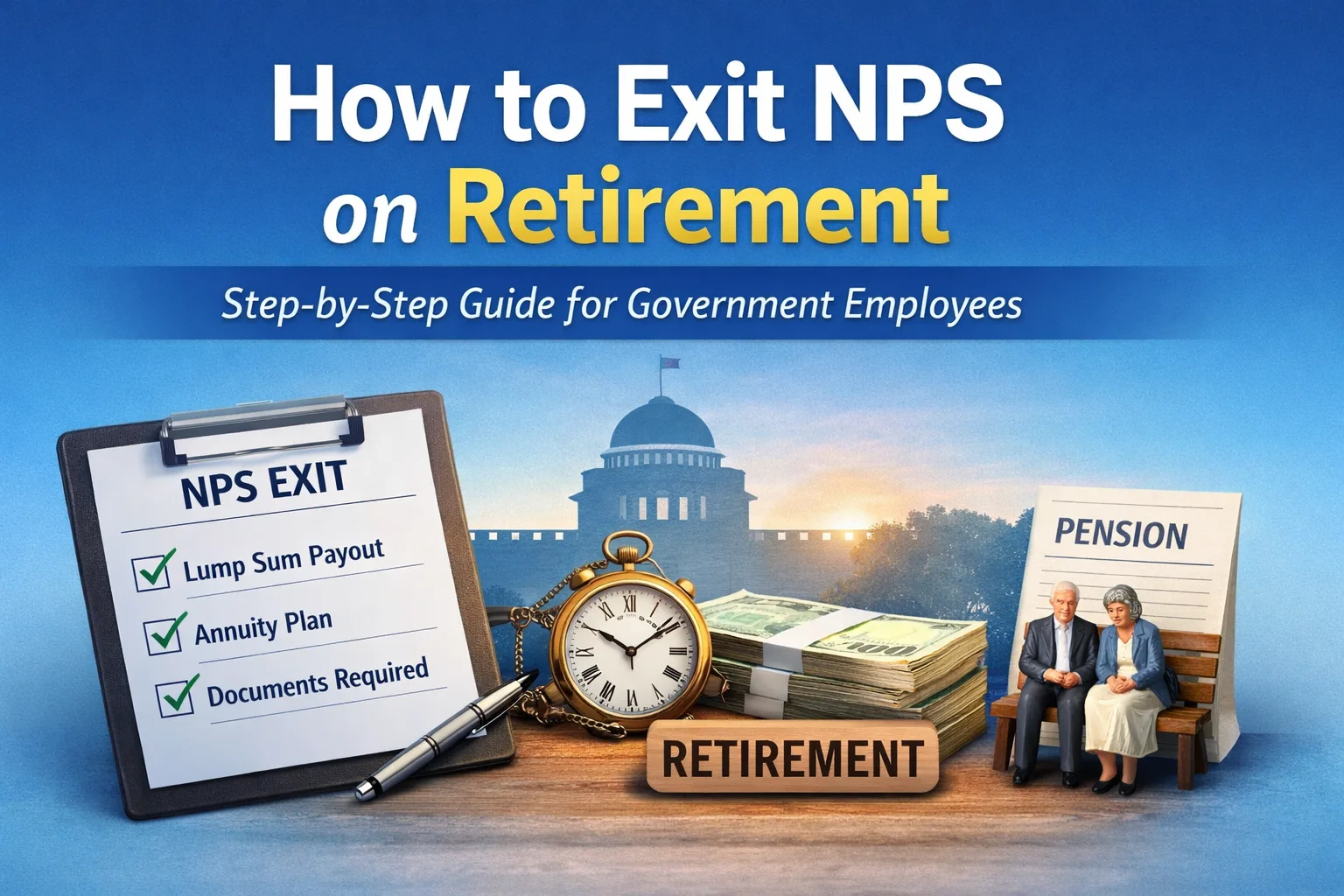
When a government employee covered under the National Pension System (NPS) retires, the pension benefits are not released automatically. The subscriber must formally initiate the NPS exit process to receive the lump sum amount and start the monthly pension.
This guide explains how to exit NPS on retirement, applicable rules, documents required, and common mistakes to avoid.
What Is NPS Exit on Retirement?
“NPS exit” refers to the process by which an NPS subscriber withdraws the accumulated retirement corpus from the Tier-I account after superannuation or voluntary retirement, in accordance with PFRDA rules.
For government employees, NPS exit involves:
- Lump sum withdrawal, and
- Purchase of an annuity for monthly pension
When Can You Exit NPS?
You can initiate NPS exit when:
- You retire on superannuation (normally at 60 years)
- You opt to continue NPS up to 70 years (optional)
- You take voluntary retirement, subject to eligibility
NPS exit should be initiated after retirement, not before.
NPS Exit Rules for Government Employees
At the time of retirement:
- Minimum 40% of the total NPS corpus must be used to purchase an annuity
- Maximum 60% can be withdrawn as a lump sum
- If the total corpus is ₹5 lakh or less, 100% withdrawal is permitted
These rules are mandatory under PFRDA regulations.
Step-by-Step Process to Exit NPS on Retirement
Step 1: Verify and Update PRAN Details
Before applying for exit, ensure that:
- PRAN is active
- Bank account details are correct
- Aadhaar and PAN are linked
- Nominee details are updated
- Mobile number and email ID are valid
Any correction should ideally be completed before retirement to avoid delays.
Step 2: Initiate NPS Exit Request
NPS exit can be initiated through online or offline mode.
Online Method
- Log in to the CRA system using PRAN and password
- Select Exit from NPS
- Choose the reason as Superannuation
- Enter retirement details and percentage of withdrawal
- Select the Annuity Service Provider (ASP) and annuity scheme
- Submit the request online
Offline Method
- Fill Exit Form (Superannuation)
- Attach required documents
- Submit the form through your DDO / Nodal Office
Step 3: Choose Annuity Service Provider (ASP)
You must select an Annuity Service Provider approved by PFRDA, such as LIC or other empanelled insurers.
Key choices include:
- Annuity for life
- Annuity with spouse
- Annuity with return of purchase price
The annuity choice directly affects the monthly pension amount.
Step 4: Upload or Submit Required Documents
Documents typically required:
- Copy of PAN
- Copy of Aadhaar
- Cancelled cheque or bank proof
- Retirement order (if required)
- Exit form (for offline cases)
Incomplete documents are the most common reason for delays.
Step 5: Verification by Nodal Office
The DDO / PAO / CRA verifies the exit request.
Once approved:
- Lump sum amount is credited to your bank account
- Annuity purchase is processed
- Monthly pension starts as per annuity terms
Timeline for NPS Exit Settlement
- Exit request submission: Immediately after retirement
- Verification & processing: Usually 15–30 days
- Annuity commencement: After completion of purchase formalities
Delays can occur if documents or bank details are incorrect.
Important Points to Remember
- NPS does not convert automatically into pension
- Annuity choice is irreversible
- Tax treatment depends on prevailing income tax rules
- Keep copies of all acknowledgements and forms
Common Mistakes to Avoid
- Not updating bank or nominee details before retirement
- Delaying exit request submission
- Selecting annuity without understanding payout terms
- Assuming NPS pension works like the old pension system
📢 Stay Updated with GConnect
Join our Whatsapp channels for the latest news and job updates:
Join GConnect News Join GConnect Jobs
GConnect News

GConnect Jobs