
How to Download CGHS Card Online
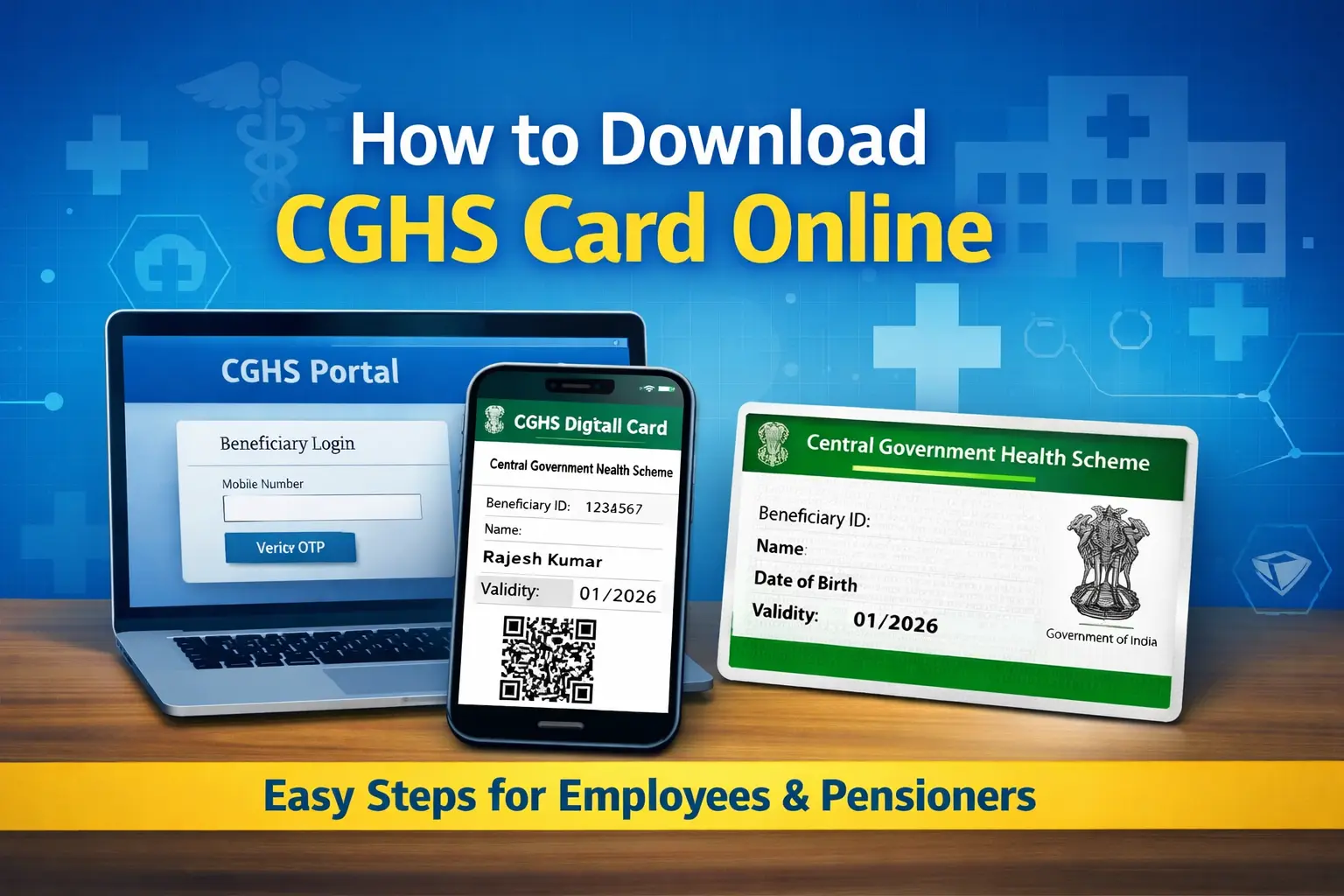
Central Government employees, pensioners, and other eligible beneficiaries can now download their CGHS card online without visiting a CGHS Wellness Centre. The digital CGHS card is valid for availing medical facilities and is widely accepted across CGHS empanelled hospitals.
This guide explains the step-by-step process to download your CGHS card online.
Who Can Download the CGHS Card Online?
You can download your CGHS card online if:
- You are an existing CGHS beneficiary
- Your CGHS application has been approved
- Your Ben ID (Beneficiary ID) has been generated
Both serving employees and pensioners/family pensioners are eligible.
What You Need Before You Start
Keep the following details ready:
- Registered mobile number (linked with CGHS)
- Ben ID or Application Number
- Internet access (desktop or mobile browser)
Step-by-Step: Download CGHS Card Online
Step 1: Visit the Official CGHS Portal
Go to the official website of Central Government Health Scheme:
👉 https://www.cghs.gov.in
Step 2: Login to the Beneficiary Section
- Click on “Beneficiary Login”
- Enter your registered mobile number
- Verify using the OTP sent to your mobile
Step 3: Access Your CGHS Card
After login:
- Go to Dashboard
- Select “View / Download CGHS Card”
- Your CGHS card will be displayed on the screen
Step 4: Download the CGHS Card
- Click on Download PDF
- Save the card on your phone or computer
- You may also print it if required
Is the Downloaded CGHS Card Valid?
Yes.
The digitally downloaded CGHS card is fully valid and can be used at:
- CGHS Wellness Centres
- CGHS empanelled private hospitals
- Diagnostic centres
Many hospitals also accept the soft copy shown on mobile.
Common Issues and Solutions
OTP Not Received
- Ensure your mobile number is correctly registered
- Wait a few minutes and retry
- Avoid repeated requests in quick succession
CGHS Card Not Showing
- Check whether your application is approved
- Confirm that Ben ID has been generated
- Contact your CGHS Wellness Centre if the issue persists
Details Incorrect on Card
- Corrections must be requested through the CGHS portal or concerned Wellness Centre
Difference Between Plastic Card and Downloaded Card
| Feature | Downloaded CGHS Card | Plastic CGHS Card |
|---|---|---|
| Availability | Immediate | Issued later |
| Validity | Fully valid | Fully valid |
| Format | Digital / Print | Physical PVC |
| Use at hospitals | Yes | Yes |
The downloaded card can be used until the plastic card is issued.
Frequently Asked Questions
Can pensioners download CGHS card online?
Yes. Pensioners and family pensioners can download it using their registered mobile number.
Is Aadhaar required to download the CGHS card?
No. Aadhaar is not required for downloading if your CGHS account is already approved.
Can I download cards for family members?
Yes. Family members’ cards linked to your Ben ID can also be downloaded.
Final Word
Downloading the CGHS card online is a quick and hassle-free process that saves time and avoids unnecessary visits to CGHS offices. Beneficiaries are advised to keep a digital copy on their mobile phone at all times for easy access during medical emergencies.
📢 Stay Updated with GConnect
Join our Whatsapp channels for the latest news and job updates:
Join GConnect News Join GConnect Jobs
GConnect News

GConnect Jobs