
How to Check CGHS Hospital Empanelment Status (Step-by-Step Guide)
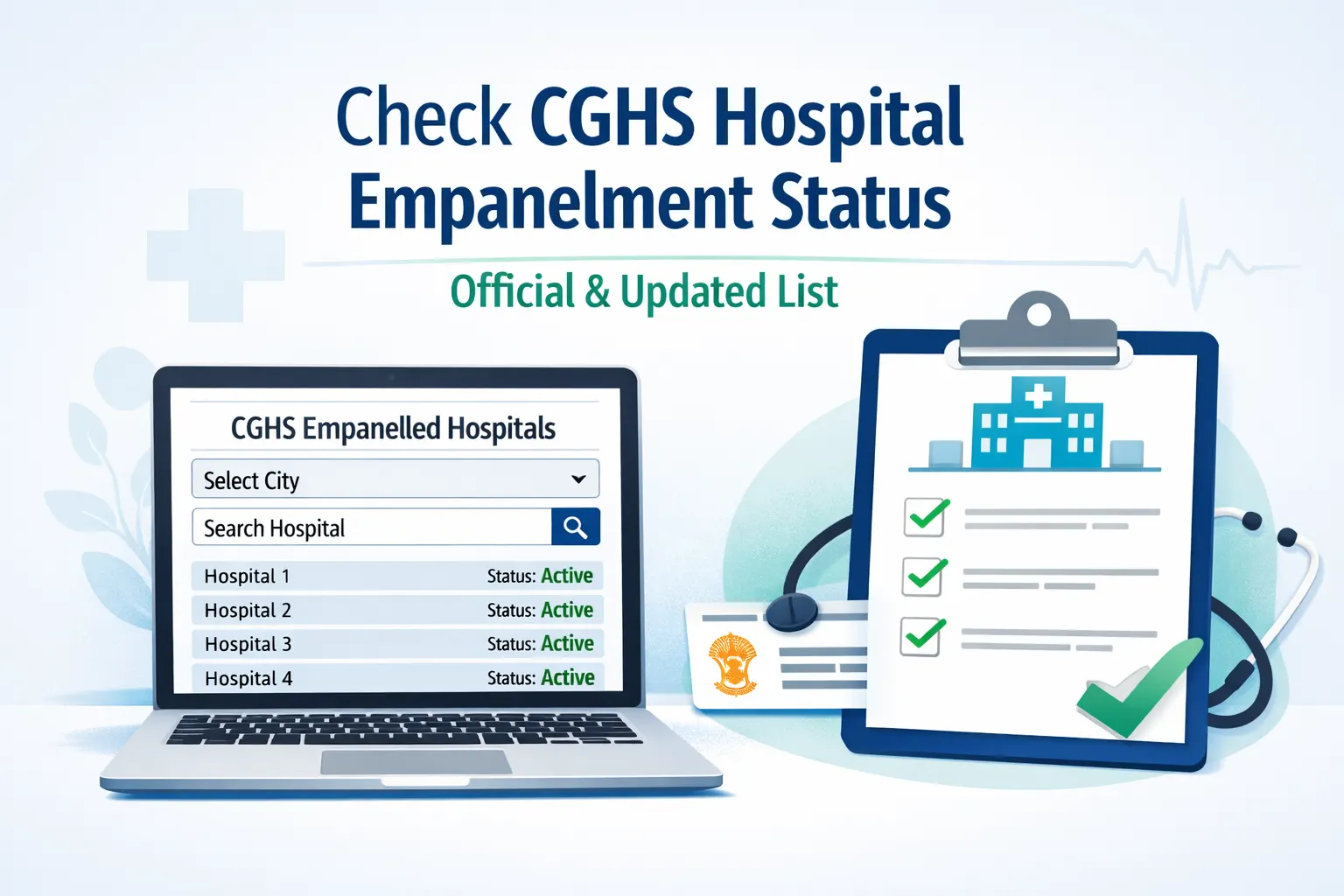
If you are a CGHS beneficiary, one of the most important things to verify before visiting a private hospital is whether the hospital is currently empanelled under CGHS. Hospital empanelment changes from time to time, and relying on old lists or verbal confirmation can lead to reimbursement problems later.
This guide explains how to check the CGHS hospital empanelment status online, step by step, using the official CGHS website.
Why Checking Empanelment Status Is Important
Before we get into the steps, it helps to understand why this check matters:
- CGHS reimbursement is allowed only for empanelled hospitals
- Some hospitals may be empanelled only for specific procedures
- Empanelment status can expire, be renewed, or be suspended
- Hospitals empanelled in one city may not be empanelled in another
A quick online check can save you a lot of trouble later.
Official Source for CGHS Empanelled Hospital List
The only reliable and up-to-date source is the official website of Central Government Health Scheme (CGHS).
⚠️ Do not depend on old PDFs, WhatsApp forwards, or hospital assurances alone.
Step-by-Step: How to Check CGHS Hospital Empanelment Status Online
Step 1: Open the CGHS Official Website
Go to the official CGHS website using any browser on your computer or mobile phone.
Step 2: Navigate to “CGHS Empanelled Hospitals”
On the homepage:
- Look for the “Beneficiaries” or “Empanelled Hospitals” section
- Click on “CGHS Empanelled Hospitals”
This link takes you to the official hospital database.
Step 3: Select Your City
You will see a drop-down menu:
- Select the CGHS city where you are taking treatment
(Example: Delhi, Chennai, Bengaluru, Hyderabad, etc.)
Empanelment is city-specific, so always choose the correct city.
Step 4: Choose Hospital Type (Optional)
Some pages allow you to filter by:
- Hospital
- Diagnostic Centre
- Eye Centre
- Dental Clinic
Select the appropriate option if available.
Step 5: Search for the Hospital Name
You can now:
- Scroll through the list or
- Use the search box to type the hospital name
Once found, click on the hospital name to view details.
Step 6: Check Empanelment Details Carefully
The hospital details page usually shows:
- Empanelment status (Active / Valid)
- Validity period (From – To date)
- Approved specialties or procedures
- Contact address and phone number
👉 Make sure the empanelment is valid on the date of treatment.
How to Check If a Specific Treatment Is Covered
Some hospitals are:
- Empanelled only for selected procedures
- Not authorised for all treatments
To avoid issues:
- Check the specialty / procedure list shown against the hospital
- If unsure, confirm with:
- The hospital CGHS desk
- Your CGHS Wellness Centre
What If the Hospital Is Not Empanelled?
If the hospital does not appear in the list or shows expired empanelment:
- Treatment may be treated as non-empanelled
- Reimbursement may be restricted or rejected
- You may need special permission in emergency cases
In such cases, always:
- Contact your CGHS Wellness Centre first
- Keep all medical documents safely
Common Mistakes Beneficiaries Should Avoid
- ❌ Assuming empanelment based on old PDFs
- ❌ Not checking city-wise empanelment
- ❌ Ignoring validity dates
- ❌ Assuming all treatments are covered once hospital is empanelled
Quick Tip for CGHS Beneficiaries
Before admission or costly procedures:
- Take a screenshot or printout of the hospital’s empanelment page
- Keep it with your medical records for future reference
Final Words
Checking CGHS hospital empanelment status takes just a few minutes but can save you from major reimbursement issues later. Make it a habit to verify the status every time, especially for private hospitals and planned treatments.
If you regularly use CGHS services, this is one check you should never skip.
📢 Stay Updated with GConnect
Join our Whatsapp channels for the latest news and job updates:
Join GConnect News Join GConnect Jobs
GConnect News

GConnect Jobs