
How to Add Spouse or Dependent Parents in CGHS: Step-by-Step Guide
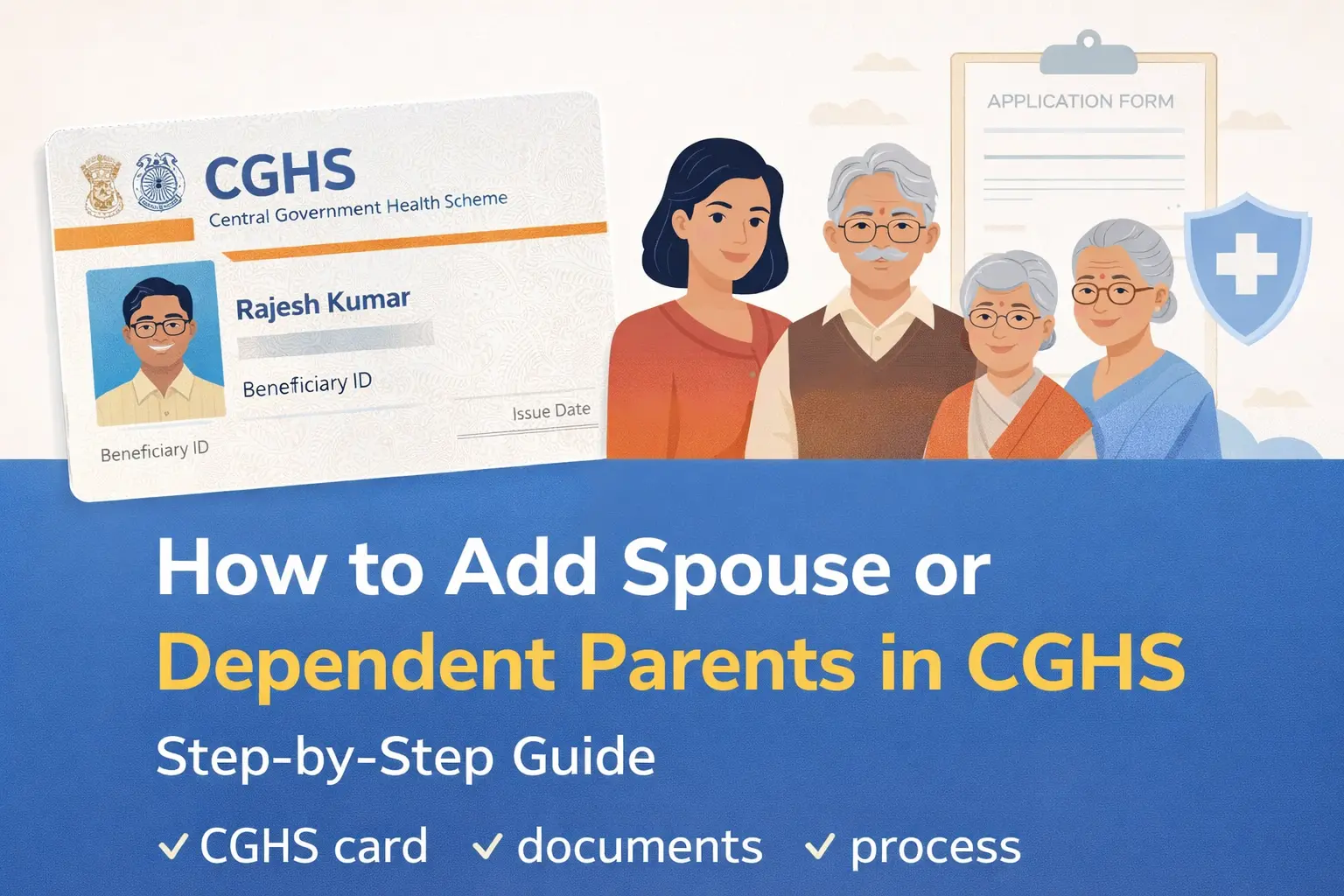
Adding your spouse or dependent parents to your CGHS card is essential to ensure they can avail medical treatment, OPD services, and hospitalization benefits under the Central Government Health Scheme (CGHS).
The procedure is straightforward, but many beneficiaries face confusion due to documentation requirements and the online application process. This guide explains who can be added, what documents are required, and how to apply—both online and offline.
Who Can Be Added as a Dependent Under CGHS?
You can include the following family members in your CGHS card, subject to eligibility:
Eligible Family Members
- Spouse (husband or wife)
- Dependent parents (father and/or mother)
- Dependent children (conditions apply)
Dependency Condition for Parents
Parents are treated as dependents only if their monthly income does not exceed ₹9,000 plus Dearness Allowance (DA), as applicable.
Pension, interest income, or any regular monthly income is taken into account while determining dependency.
Documents Required to Add Spouse or Dependent Parents
Keep scanned copies (PDF/JPEG) of the following ready before applying online:
Mandatory Documents
- CGHS Card (existing)
- Marriage certificate (for adding spouse)
- Income certificate / Self-declaration for dependent parents
- Aadhaar card of the dependent
- PAN card (if available)
- Recent passport-size photograph
- Undertaking / Declaration (as prescribed)
Tip: Income certificate should preferably be issued by a competent revenue authority or submitted as a self-declaration, depending on the CGHS city.
Method 1: Add Spouse / Dependent Parents Through CGHS Online Portal
This is the recommended and faster method.
Step-by-Step Process
- Visit the official CGHS portal and log in using your Beneficiary ID or registered credentials.
- Select “Add Family Member / Dependent” from the dashboard.
- Choose the relationship:
- Spouse
- Father / Mother
- Enter personal details of the dependent carefully.
- Upload required documents.
- Submit the application.
After submission:
- An acknowledgement number is generated.
- Application status can be tracked online.
Method 2: Offline Procedure (For Those Facing Online Issues)
If you are unable to apply online, you may submit the application offline.
Offline Steps
- Collect the CGHS addition/modification form.
- Fill in the required details.
- Attach self-attested copies of all documents.
- Submit the form at your CGHS Wellness Centre or Additional Director CGHS office.
- Obtain an acknowledgement receipt.
What Happens After Submission?
- The application is verified by CGHS authorities.
- If documents are complete, approval is usually granted within 2–4 weeks.
- Once approved:
- The dependent’s name is added to your CGHS account.
- A plastic CGHS card reflecting updated family details can be printed or collected.
Common Reasons for Rejection (And How to Avoid Them)
| Issue | How to Avoid |
|---|---|
| Income exceeds limit | Verify dependency criteria beforehand |
| Missing marriage certificate | Upload valid proof |
| Blurred documents | Upload clear, legible scans |
| Incorrect Aadhaar details | Match exactly with Aadhaar |
Important Points to Remember
- Parents cannot be added as dependents if both spouses are CGHS beneficiaries.
- Dependency status may be reviewed periodically.
- Any false declaration can lead to cancellation of CGHS benefits.
- Always keep acknowledgement copies safely.
Frequently Asked Question
Can both parents be added together?
Yes, both parents can be added if they satisfy dependency conditions.
Is physical presence required?
No, for online applications. However, verification may be required in rare cases.
Final Word
Adding your spouse or dependent parents in CGHS is a one-time but crucial process. Completing it correctly ensures uninterrupted access to CGHS medical facilities for your family members.
If you are a serving or retired Central Government employee, it is advisable to update your CGHS details immediately after marriage or change in dependency status.
📢 Stay Updated with GConnect
Join our Whatsapp channels for the latest news and job updates:
Join GConnect News Join GConnect Jobs
GConnect News

GConnect Jobs