
CPAO Introduces Utility for Allotment of Regular PPO Numbers to Legacy NPS-AR Pension Cases
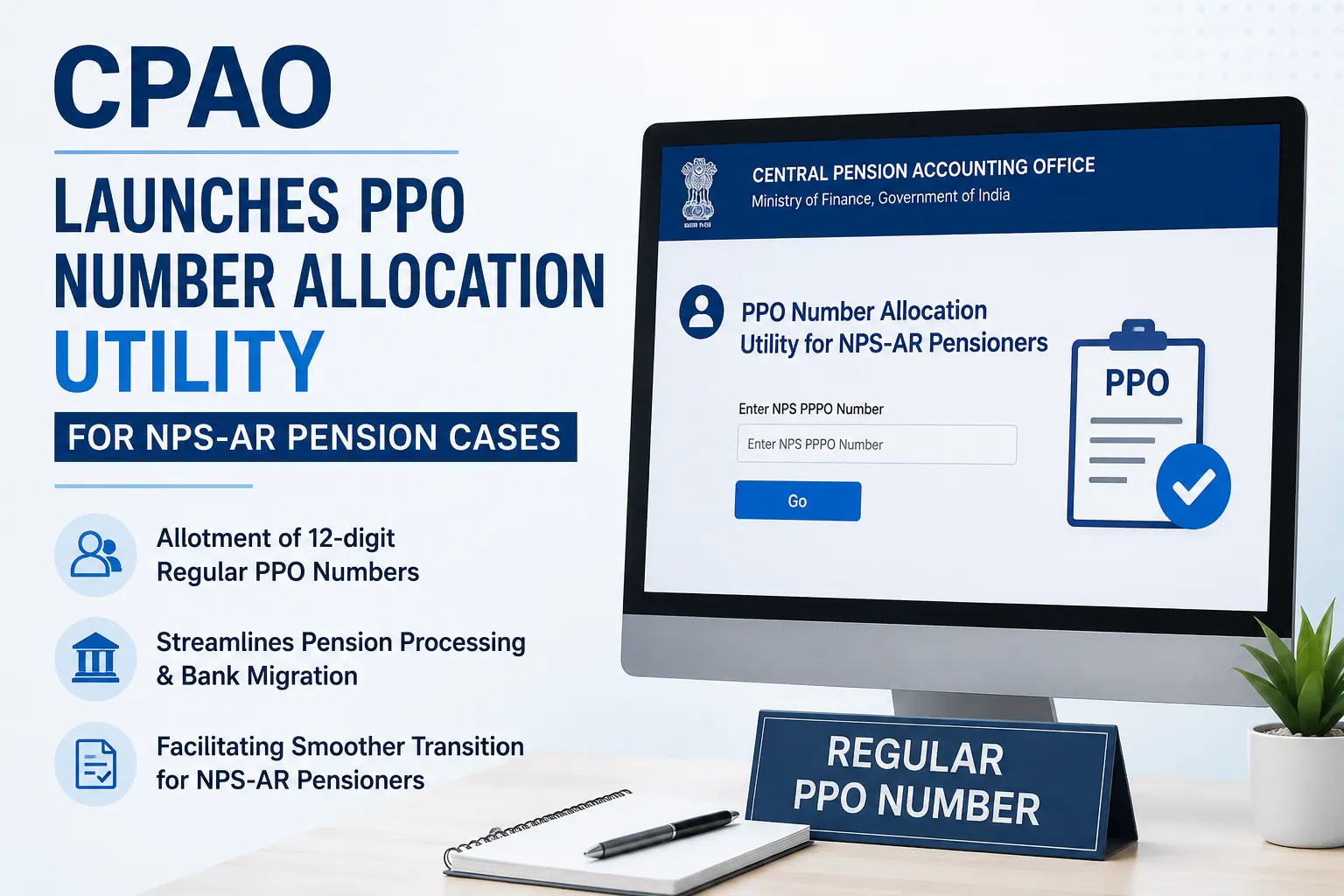
The Central Pension Accounting Office (CPAO), Department of Expenditure, Ministry of Finance, has introduced a new utility to facilitate the allotment of Regular Pension Payment Order (PPO) numbers for legacy NPS-AR pension cases. The move is aimed at ensuring timely processing and seamless migration of pension payment cases from CPAO to authorized pension disbursing banks.
The Office Memorandum dated 31 July 2026 states that the new facility has been developed in line with the guidelines issued by the Office of the Controller General of Accounts (CGA) for migration of pension cases relating to Government servants covered under the National Pension System – AR (NPS-AR). The utility enables the generation of fresh 12-digit Regular PPO numbers against the existing Provisional Pension Payment Order (PPPO) numbers issued for such pensioners.
Background
CPAO had earlier issued detailed procedures for processing and taking necessary action in NPS-AR pension cases to facilitate smooth migration of pension payments from CPAO to authorized banks. The newly introduced utility builds upon those instructions by simplifying the process of assigning Regular PPO numbers before the migration is completed.
According to the memorandum, all Principal CCAs, CCAs, CAs and AGs have been requested to direct all Pay and Accounts Offices (PAOs) under their jurisdiction to use this utility before forwarding NPS-AR pension cases to CPAO for migration of pension payments.
How the New Utility Works
The accompanying user manual explains that the utility allows PAO users to allocate a 12-digit PPO number against the existing NPS-AR PPPO number.
PAO users are required to:
- Log in to the CPAO official portal using their credentials.
- Select the “PPO Number Allocation Utility for NPS-AR Pensioners” option from the dashboard.
- Open the “Unallocated NPS NPPO Number” tab.
- Enter the NPS PPPO number and proceed with the allocation process.
- Verify pensioner details before submitting the application.
- Complete the allocation, after which the system generates a Regular PPO number and displays a confirmation message.
Step-by-Step Process Covered in the Manual
The user manual enclosed with the Office Memorandum illustrates the complete workflow, including:
- Accessing the utility from the PAO dashboard.
- Viewing allocated and unallocated PPO lists.
- Verifying pensioner information.
- Completing the PPO allocation form.
- Submission and confirmation of successful PPO generation.
Once the process is completed successfully, the newly generated PPO number becomes available in the allocated list for further processing.
Objective of the Initiative
The introduction of the PPO Number Allocation Utility is intended to:
- Enable timely allotment of Regular PPO numbers for legacy NPS-AR pensioners.
- Streamline migration of pension payment cases to authorized banks.
- Reduce delays in pension processing.
- Ensure a smoother transition from provisional to regular pension payment arrangements for eligible NPS-AR cases.
View OM:
 Loading…
 Reload document
 Open in new tab
 📢 Stay Updated with GConnect
Join our Whatsapp channels for the latest news and job updates:
Join GConnect News Join GConnect Jobs
GConnect News

GConnect Jobs